
Save Recipes From Anywhere
Never lose another recipe. Import from TikTok, Instagram, websites, or even photos of your cookbook or ingredients. Leaky organizes everything instantly.
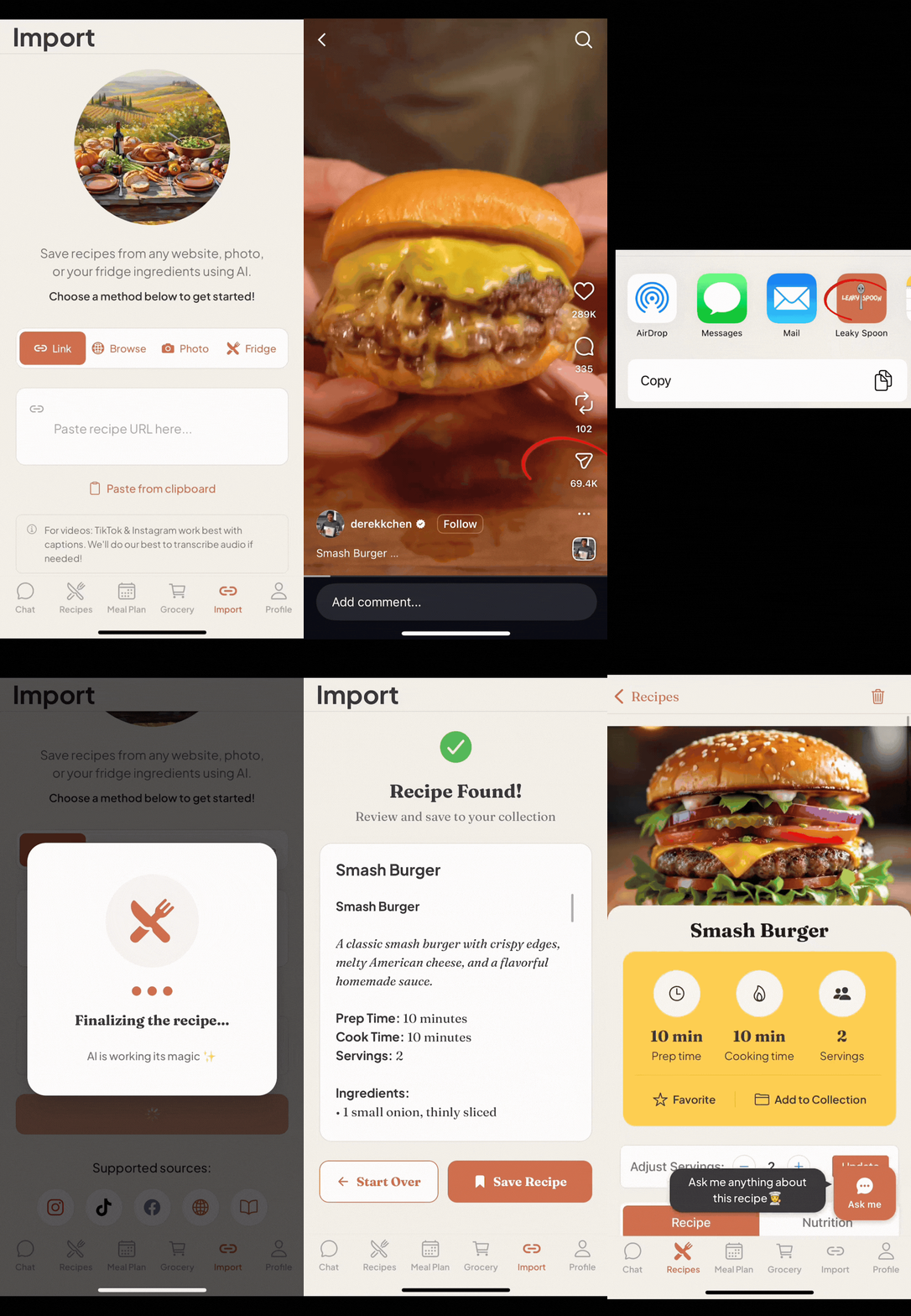
From Instagram
See a recipe on Instagram? Tap Share, tap “Share to” button, and tap the Leaky Spoon logo. Your recipe is saved in seconds.
Don’t see the Leaky Spoon Logo? Scroll right and hit “More”. You should see “Leaky Spoon” under the pop up.
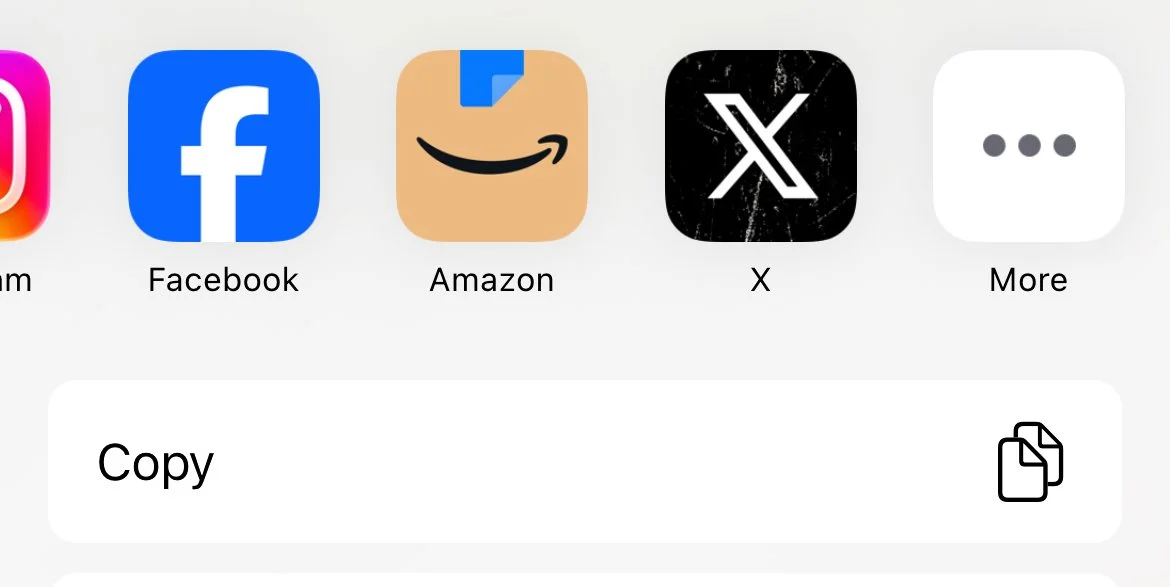
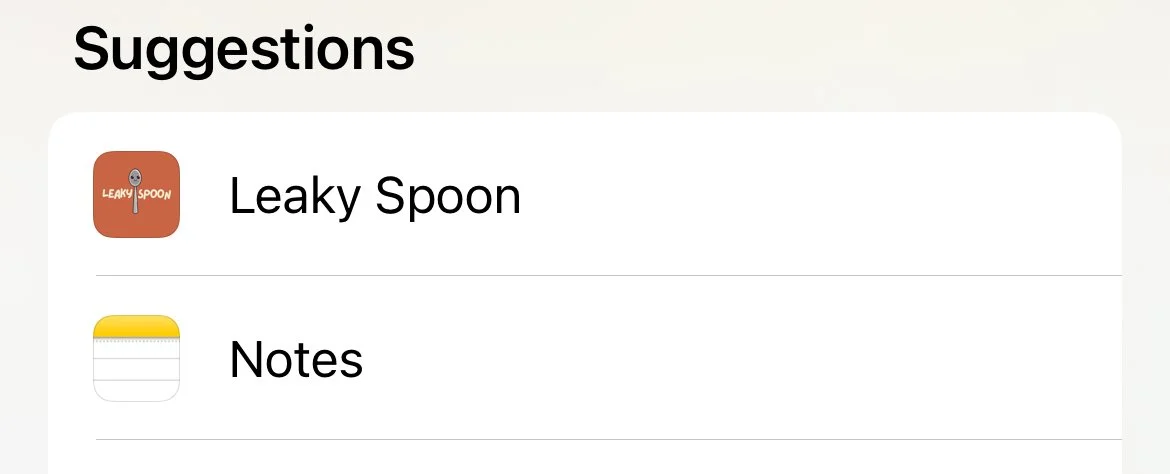
Social Media
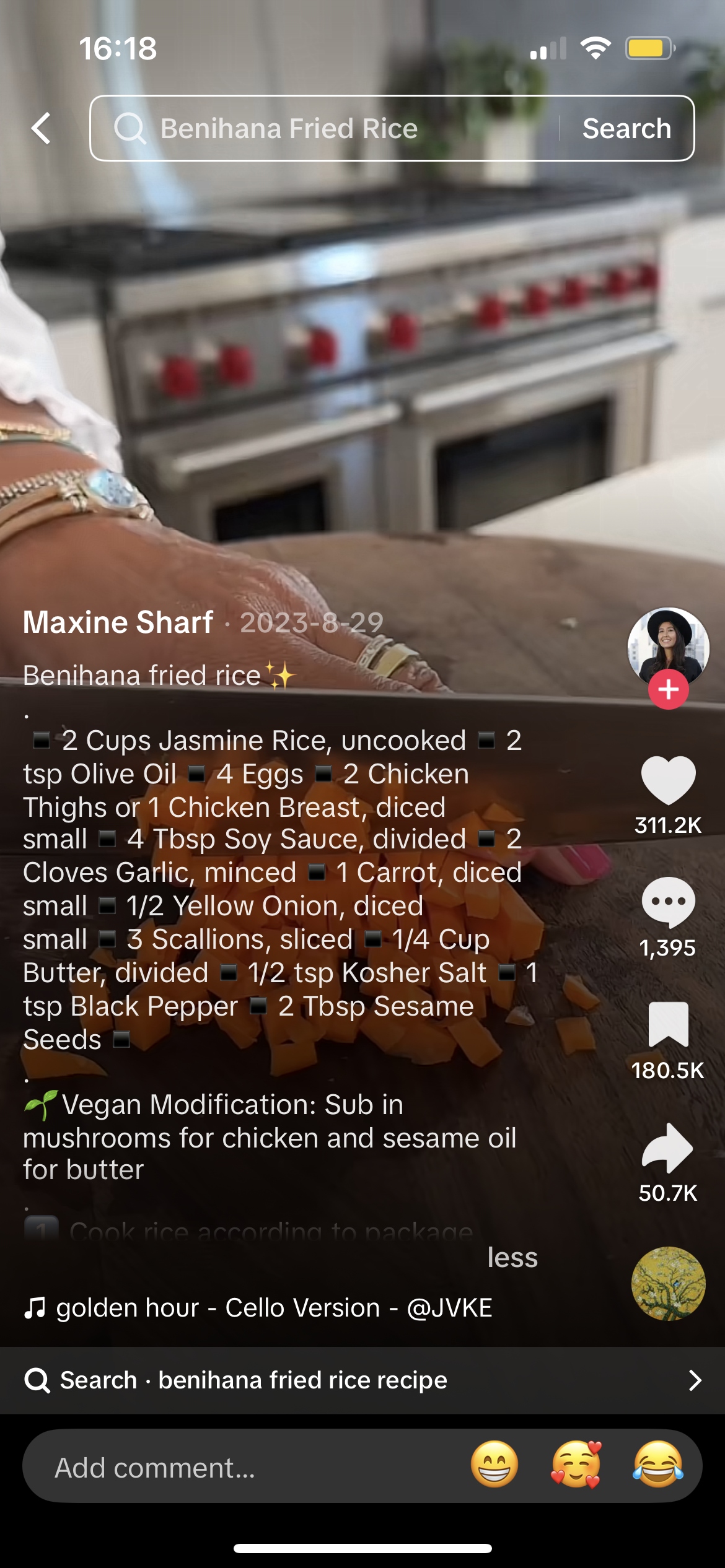
From TikTok
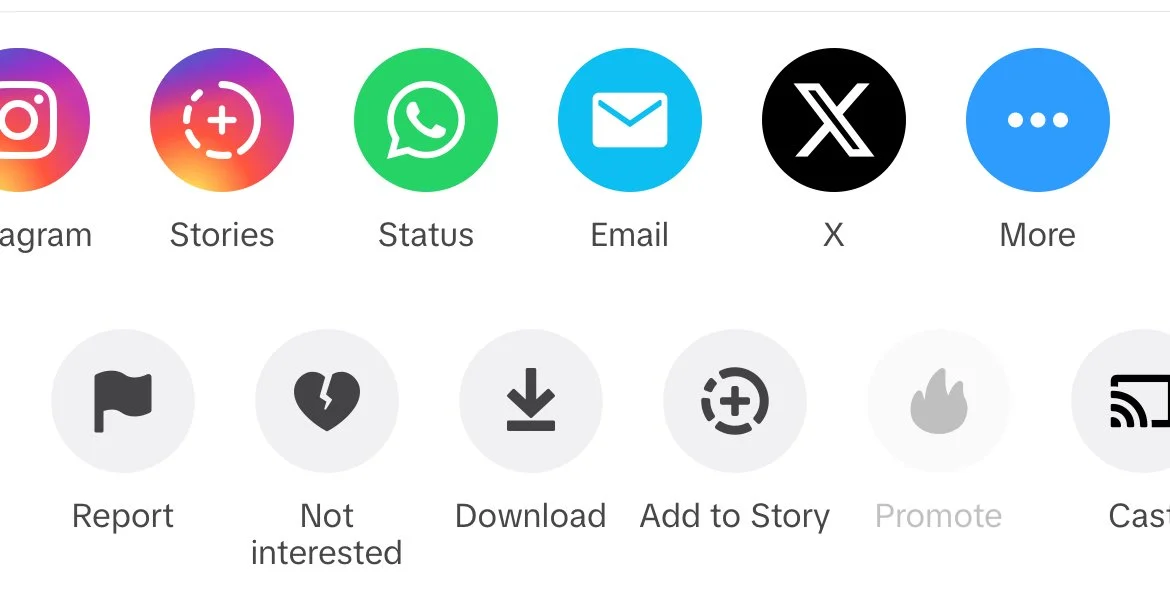
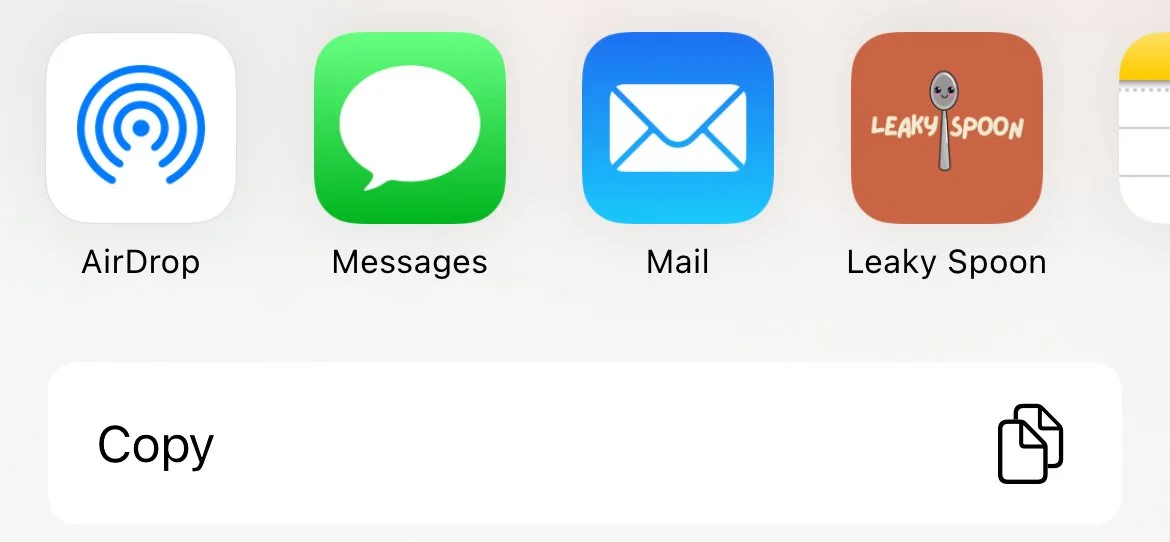
Found a cooking video on TikTok? Hit the Share Button. Hit the “More” and select Leaky Spoon or scroll right to “more” again if you don’t see the app.
From Facebook
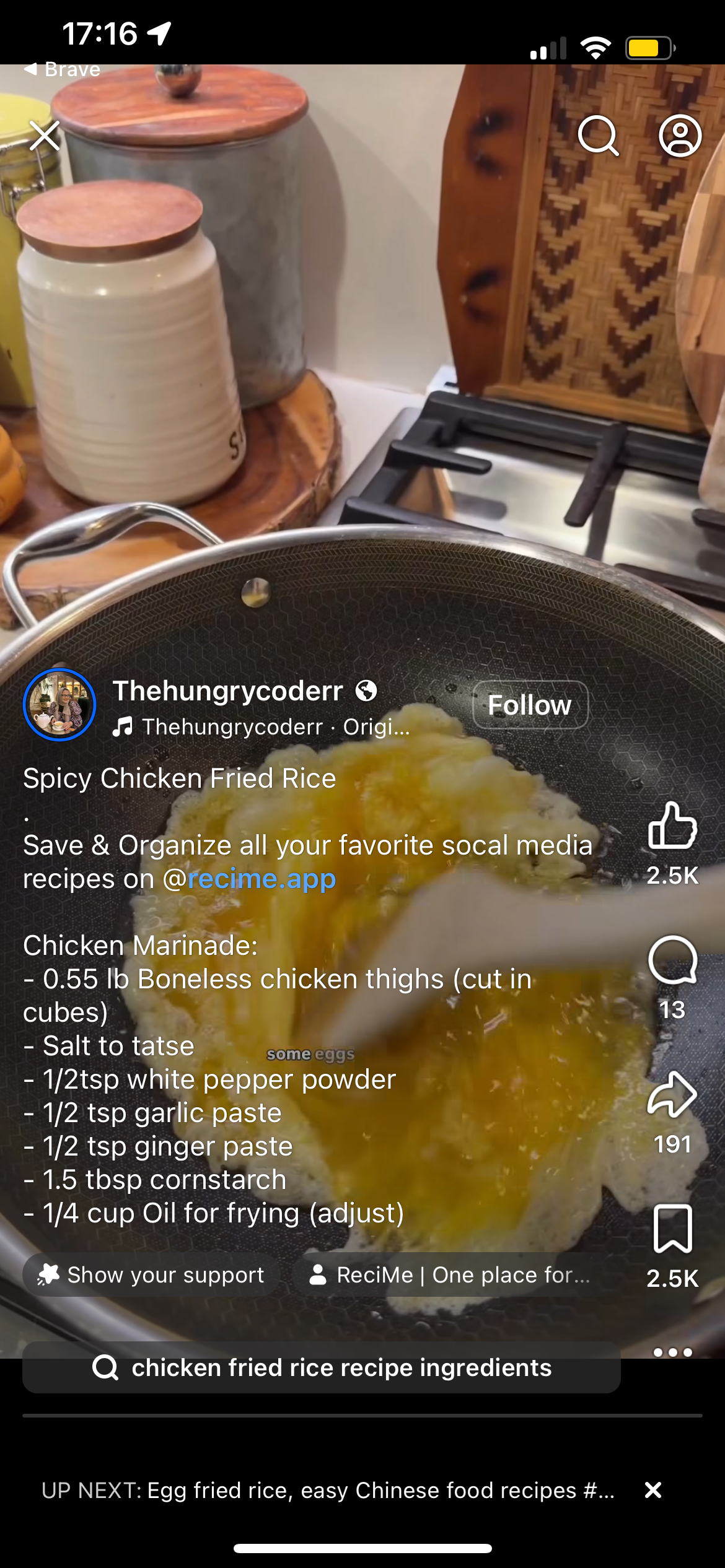
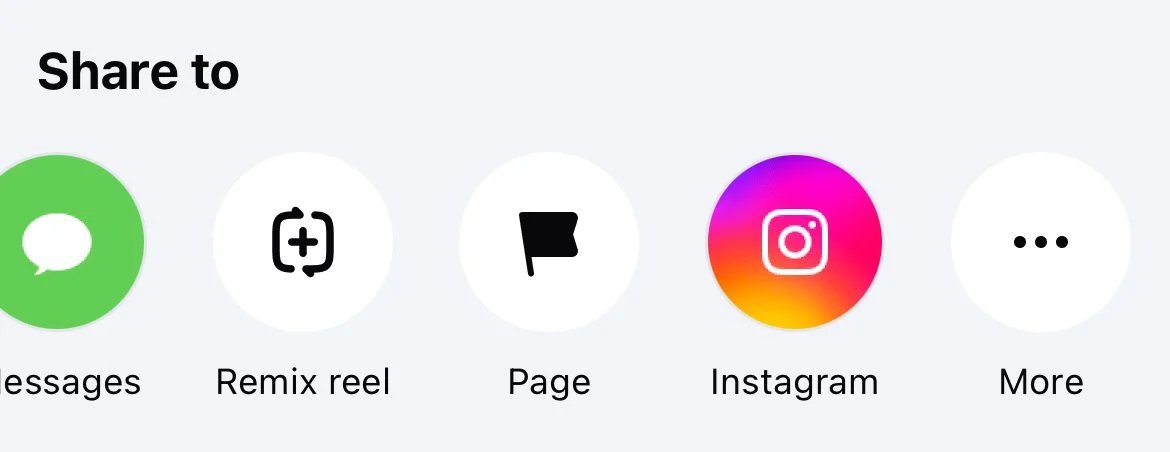
Recipe posts from Facebook work the same way—Hit the “More” and select Leaky Spoon or scroll right to “more” again if you don’t see the app.
WEBSITES
From Any Website using in app “Browse” mode
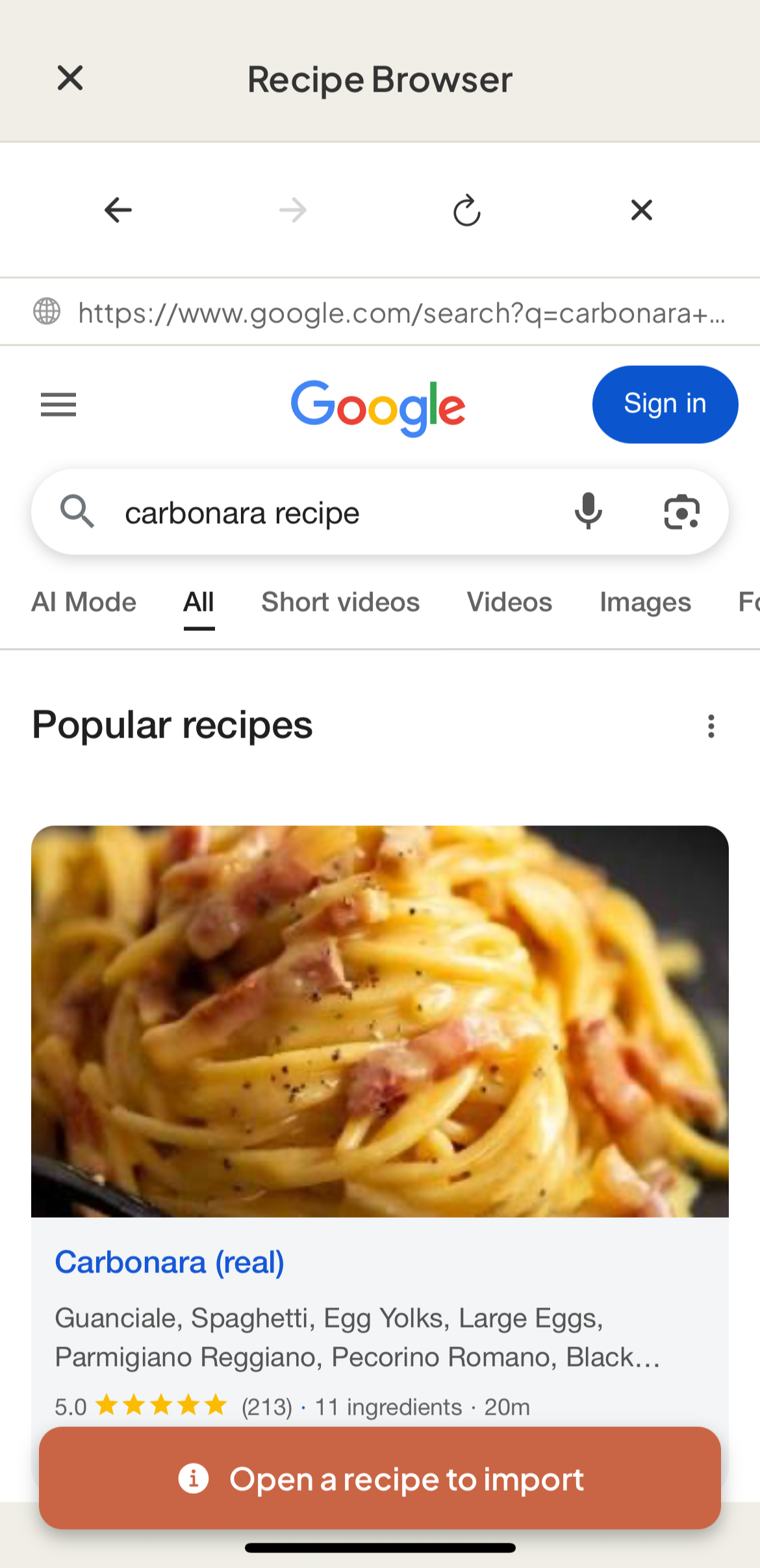
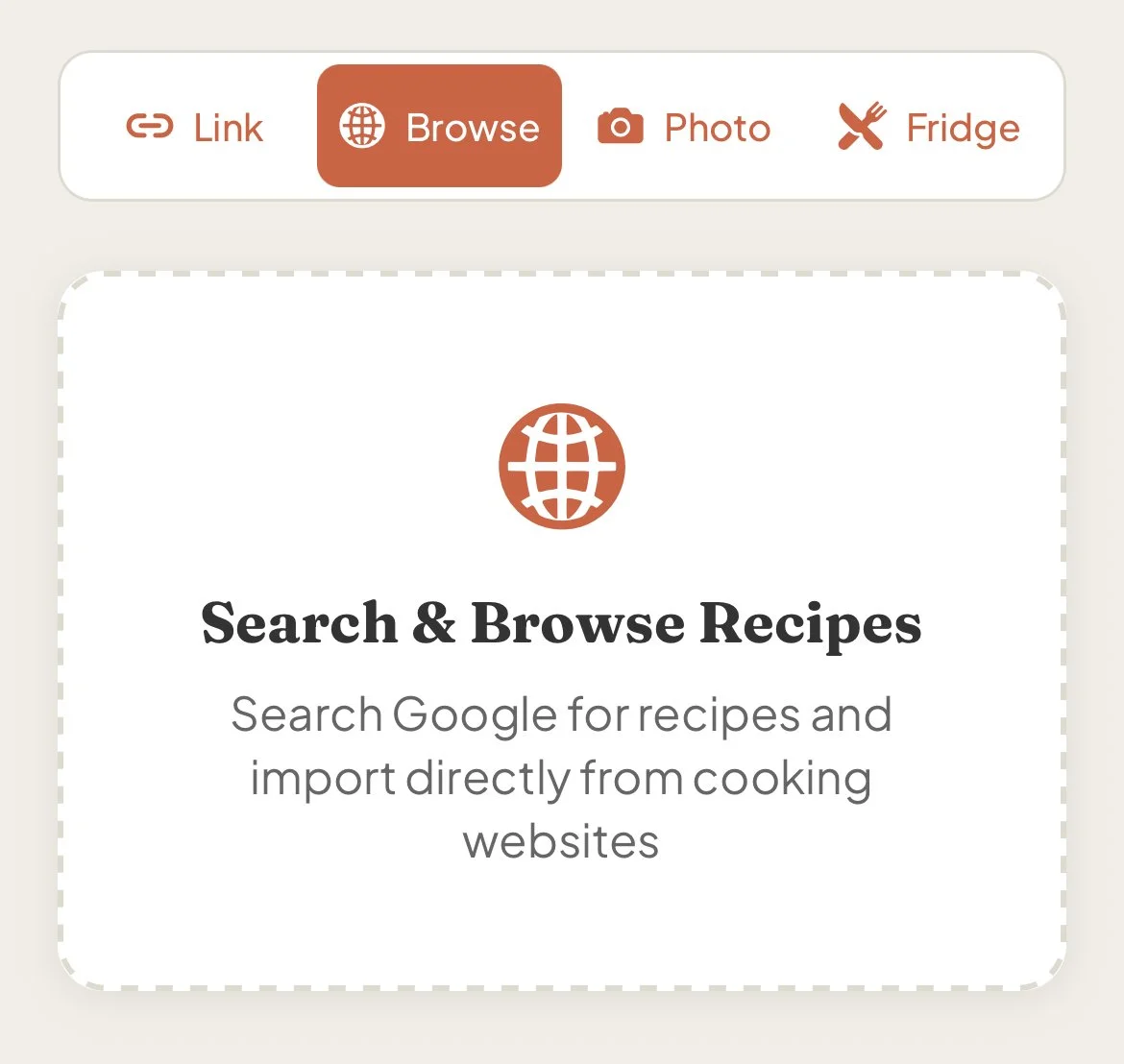
Use the Browse option to search and import recipes from any cooking website. Find the recipe, tap the orange button, and it's yours.
From Safari/Any Browser
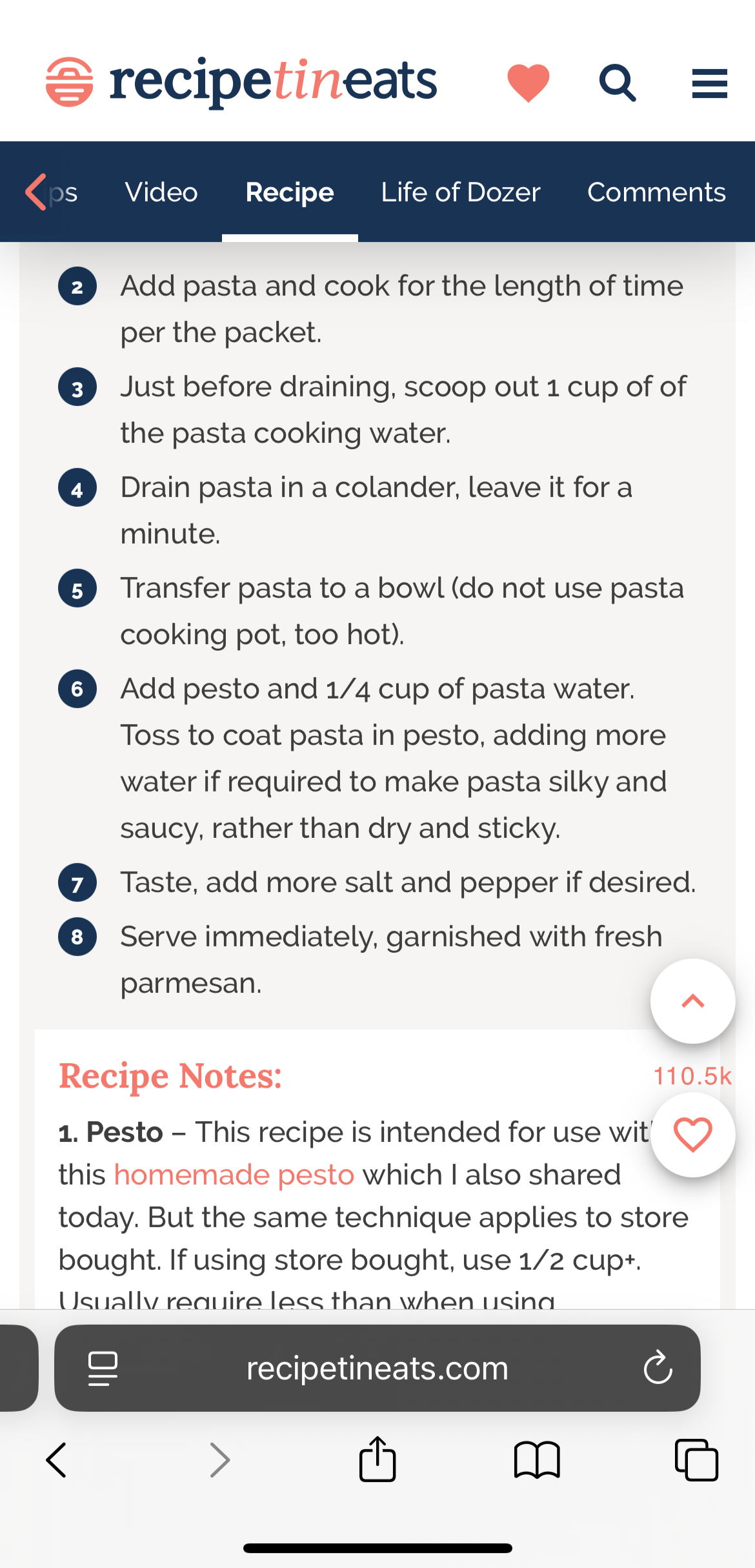
Browse to any recipe website, tap the Share button, tap the Leaky Spoon app or scroll right to find it under the“more” button.
PHOTOS
From your cookbook or recipe card
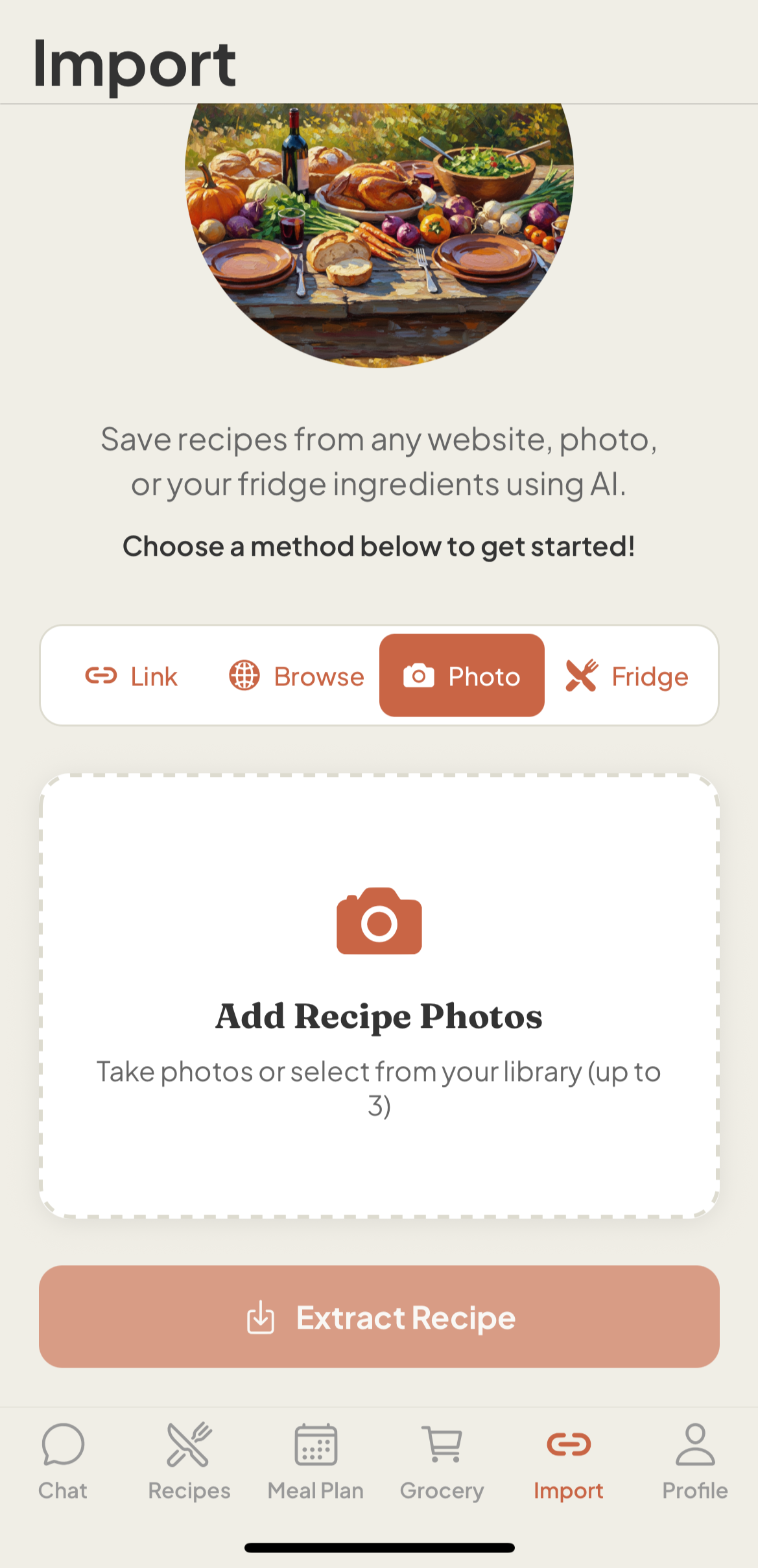
Snap a photo of a recipe card or cookbook page. Leaky's AI extracts the recipe automatically.
From Your Fridge & Pantry
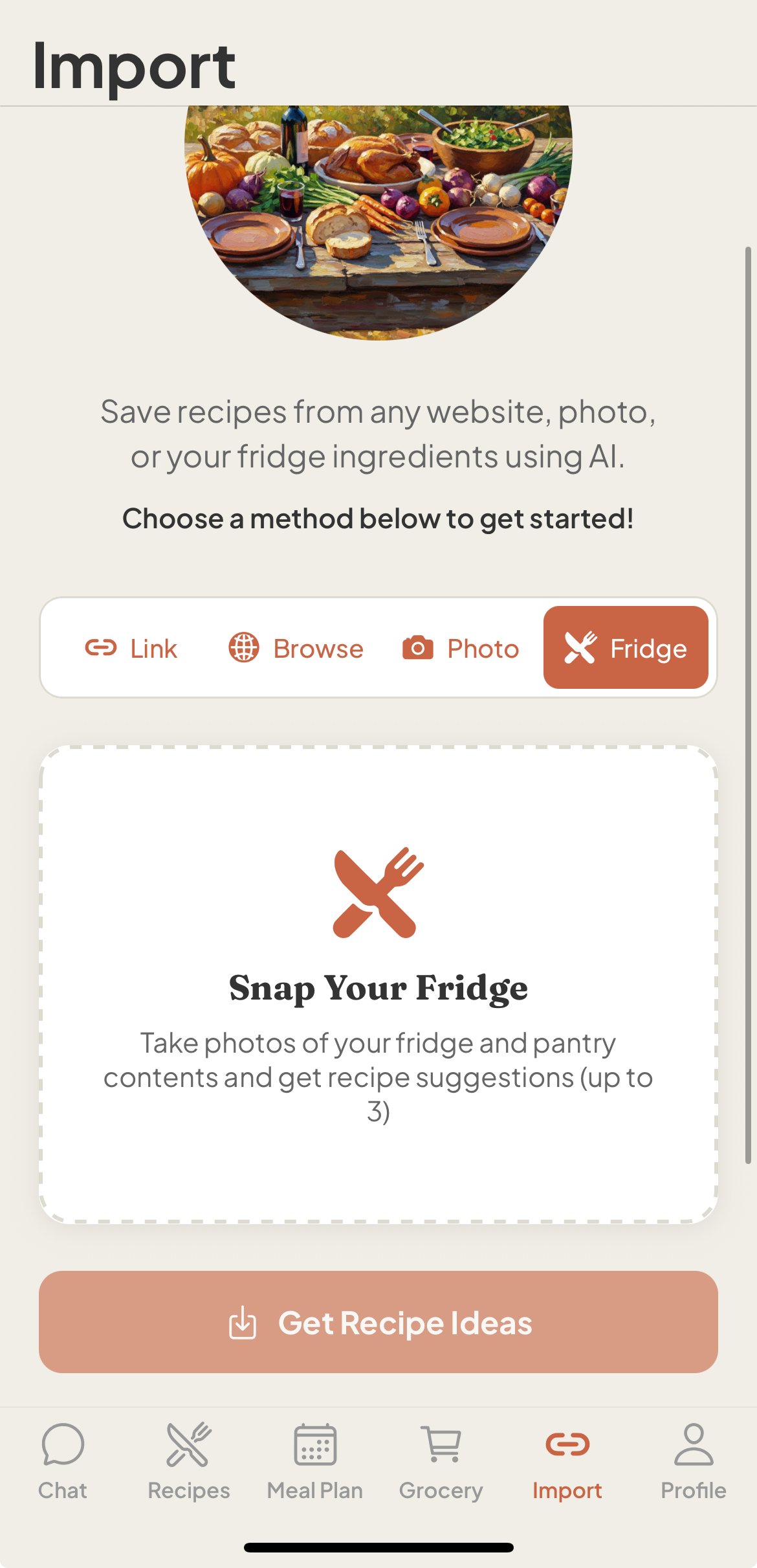
Take a photo of ingredients in your fridge & pantry and Leaky will suggest recipes you can make with what you have.